 Reviews
 Years Of Excellence



Art 101: Frequently Asked Questions and Tips
I have an idea of what I want; but, I don't have my own artwork.
Can you help with creating artwork?
We can absolutely help with that. If you happen to have a logo but not sure what text to use or have some text information but no logo just provide your customer care representative with what you have and we'll take care of the rest!
• Below are some examples of artwork made with our FREE INDUSTRY LEADING CLIPART •
(To see all of our clipart, and font style options just click the buttons below)
How many lines of text can I fit on a pen?
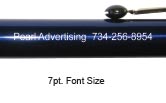
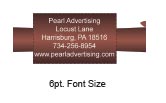
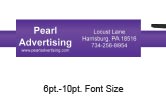
The amount varies from pen to pen. Below are some options of smaller imprint areas and larger ones.
Will I see a proof before the product gets printed?
Yes, you will receive a pre production electronic proof that will be emailed to you along with the details of your order. Your order will not be put into production without your approval.
Will I be able to make changes such as changing an imprint color from black to white?
Yes, after you receive the product proof for approval if you wish to make any changes to the order all you have to do is reply to the email with your revised instructions.
TIPS:
Imprint Color:
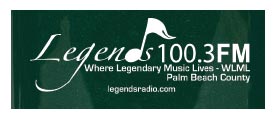
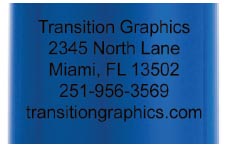
- Using a lighter color such as white on a darker product will ensure an imprint stands out. The same is true for a darker imprint on a lighter colored product. If you would like the imprint to be more subtle then the opposite would work.
- Below are some imprint examples

Text Only:
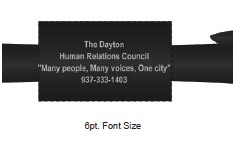
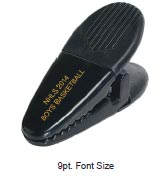
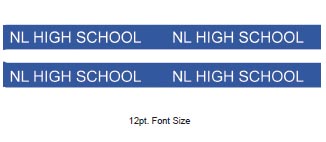
- When printing on smaller products such as pens and Lanyards it is often recommended to do text only imprints to ensure a quality legible imprint.
- Instead of having 1 or 2 long lines of text maybe having 3 or 4 shorter lines would work better.
- Using acronyms and abbreviating words such as street and lane will also help to fit text within an imprint area.
Avoiding Fill in:
- Stack text onto more lines if space is available.
- If there is only room for 1 or 2 lines of text you can separate information with bullet points.
- If there is small text within a logo maybe it would be better to move it below or beside the logo and enlarge.
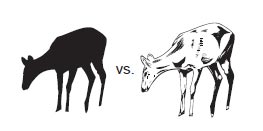
- If a logo has too much detail an alternate option would be to use a silhouette instead.